Read The OPSEC Bible offline
TLDR: You can read The OPSEC Bible offline by downloading and viewing it locally in your browser.
Why have The OPSEC Bible offline?
-
Resilience against site takedowns
-
Access during internet outages
-
Enhanced privacy
-
Faster load times
Download The Offline OPSEC Bible
To download the offline version, click the link below:
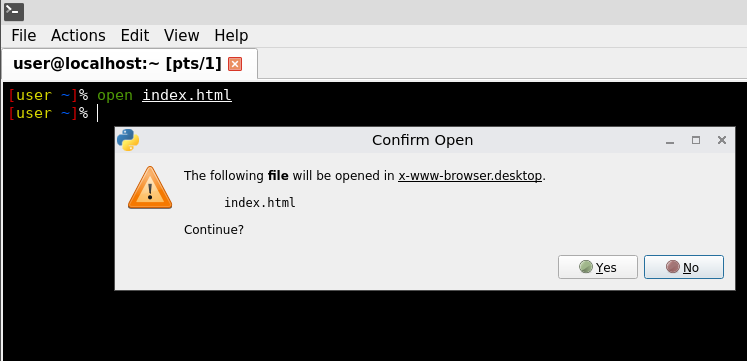
Extract the file and open the index.html in your browser. Alternatively, run these commands in your terminal:
torsocks wget http://opbible7nans45sg33cbyeiwqmlp5fu7lklu6jd6f3mivrjeqadco5yd.onion/assets/the-offline-opsec-bible.zip
unzip the-offline-opsec-bible.zip
cd the-offline-opsec-bible/
open index.html
It will ask if you want to open index.html. Click "Yes" to launch it in your default browser. If it does not open, navigate to the directory in your file manager, right-click the file, and select "Open With" followed by your browser.
Please note that local file access is restricted in the Tor Browser due to its strict AppArmor profile. We recommend using Mullvad Browser instead, as modifying the Tor Browser is strongly discouraged.
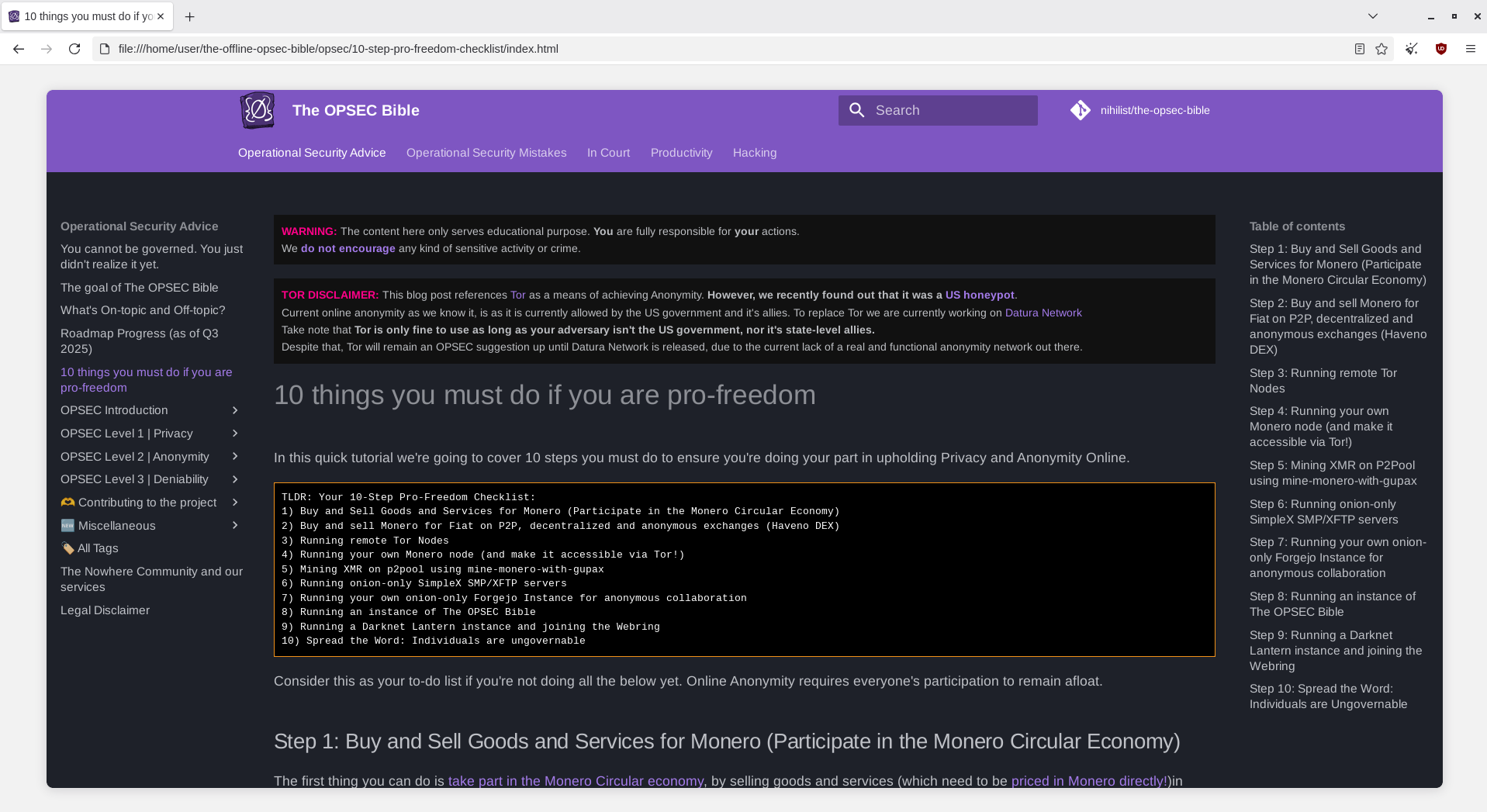
Once opened, you will have The OPSEC Bible fully offline while retaining all its functionality!
 Suggest changes
 Questions2
 2025-05-26
 Donate XMR to the author:
865grhhyMeEfcpKoVtdsKMb9u4T7xLetNXRVY877sHgnhJBJooxttEFGR68xnsQVKZe4Mi93DuFLPgNtNuzVvAnGHs86Ku2